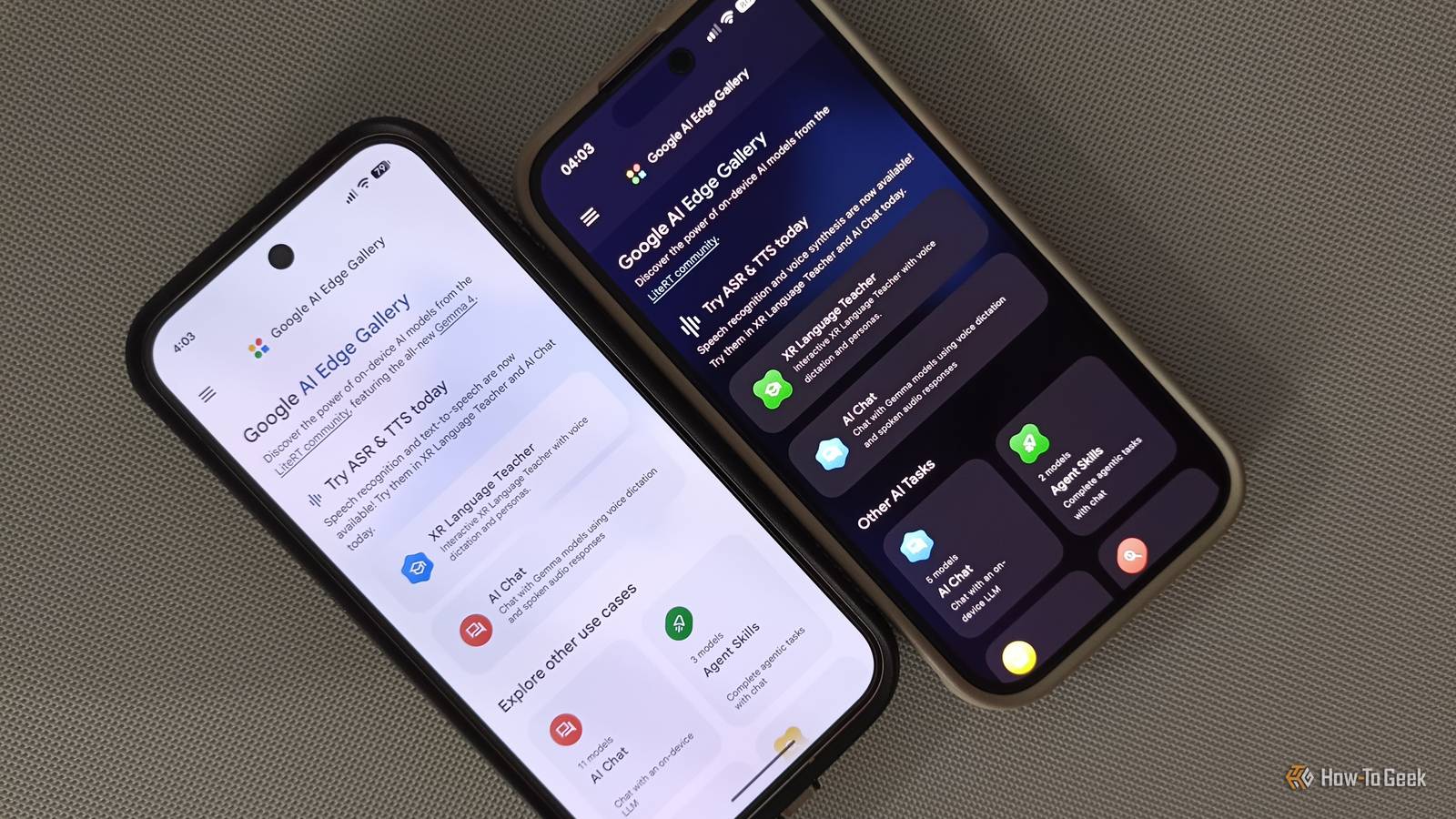
Local LLMs are gaining popularity lately, and most people choose to run them on their laptops and PCs. I decided to run a local LLM on a Pixel 10 Pro and an iPhone 17 to see which smartphone was more capable at handling it. Using the base model Pixel 10 would have been a fairer comparison, but I worked with what I had access to. I was expecting the Pixel 10 Pro to outperform the iPhone 17 based on the RAM difference alone, but the actual result surprised me.
Both devices are powered by 3nm chipsets and were released in 2025, but they have a notable difference in memory specifications. The iPhone 17 has 8GB of RAM, while the Pixel 10 Pro has double the amount — 16GB. The Tensor G5 could not even measure up to the older A18 Pro chipset in terms of raw performance, so I was curious about how it would do against the newer A19 chip.
Setting up Gemma 4 via Google AI Edge Gallery on Android and iOS
Google’s nifty app streamlined the process
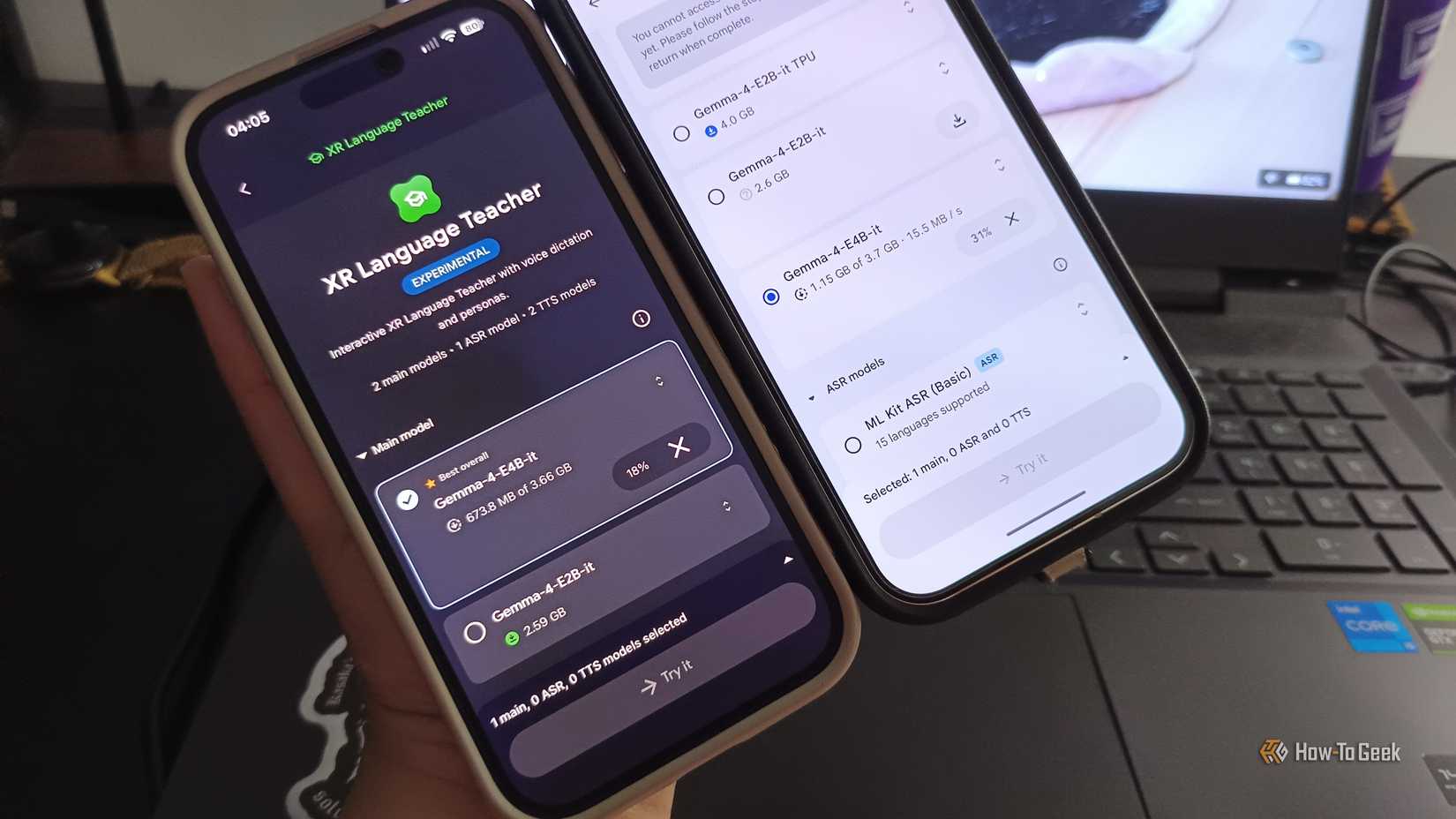
I decided to use the brilliant Google AI Edge Gallery app for this experiment. It streamlined the process and helped me test out the exact same features of the LLM I chose on both phones. I made sure both were at the same battery percentages and temperatures. Then, I installed Gemma 4 E4B IT on both devices, a 3.66GB install per device, because it is designed to run on smartphones. The Pixel downloaded Gemma 4 much faster than the iPhone, even though both devices were connected to the same network. Installation was quicker on the Pixel 10 Pro too.
Gemma 4 E4B IT supports text, image, and audio input, as well as 140 languages, and has 4.5 billion effective parameters. It features a context window of 32K tokens and can build agentic workflows. For such a light install, the capacity to process audio and image inputs on top of text is impressive. Naturally, I tested all three inputs on both phones to see how each would fare.
Testing audio, image, and text inputs on Android vs iPhone
Same prompts, different replies
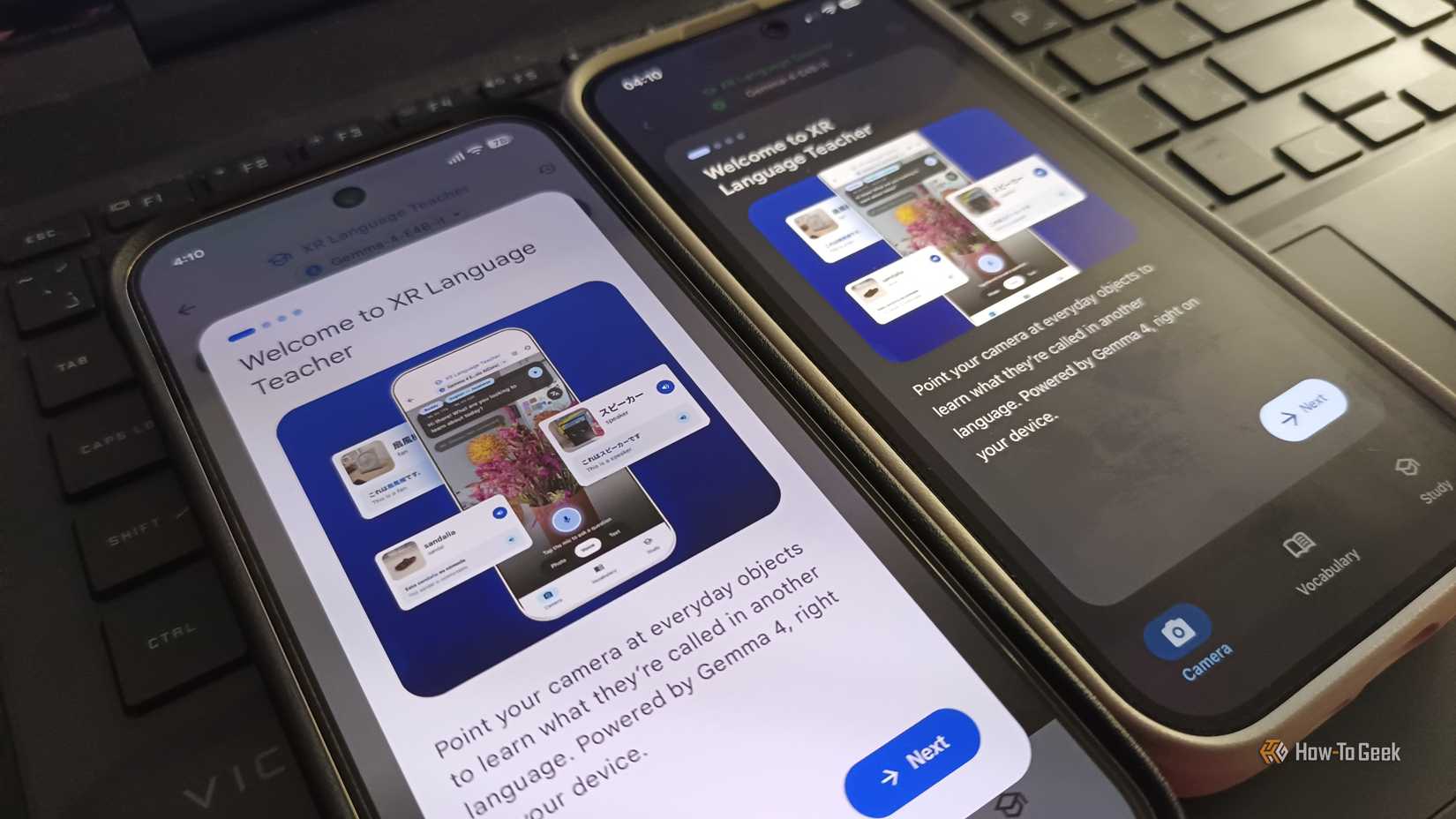
Once Gemma 4 E4B IT was prepped and ready to use on both phones, I started off by using XR Language Teacher, an offline, multimodal language tutor inside the Google AI Edge Gallery app. It uses text, voice-to-text recognition, and camera input to teach different languages. You can even choose the style of the tutor, with options like a “nerdy” tone. First, I took a picture of my cat using the iPhone 17 and Pixel 10 Pro and asked XR Language Teacher to identify the subject and translate it into Spanish. The Pixel showed promise initially, responding much quicker, but as I moved on to ask follow-up questions or point the camera at other objects, the iPhone 17 started to pull ahead. The quality of responses seemed to be evenly matched between the two phones.
Then I moved on to the Audio Scribe tool in the app. This time, I decided to test transcribing and translating speech simultaneously. For some reason, the Pixel 10 Pro refused to complete the entire task. It only transcribed the voice clip, and that too in Hindi, instead of my request to translate it. The iPhone 17 naturally understood this and gave the transcript in both languages. The Pixel managed to translate the colloquial context better than the iPhone.
At this point, the iPhone froze, and I had to restart the app. The Pixel never froze, but it started to heat up. Funny enough, restarting the app seemed to revive the iPhone because it outperformed the Pixel 10 Pro in every test going forward. It recognized speech quicker, translated better, and spat out answers to my prompts faster. I tried out Agent Skill next, giving a basic prompt to set a reminder to wash my hair a minute later. By the time the Pixel had processed my request to set a reminder to wash my hair a minute later, the time for the notification to go out had passed. Meanwhile, the iPhone processed the prompt in seconds. I observed the same speed with Prompt Lab when I tasked both phones with rewriting a rude sentence more politely. Both phones got the job done, and the results were similar, but the iPhone was the speedier contender.
Related
I just replaced Duolingo with a local LLM that took two minutes to set up on my Android phone
I replaced Duolingo with a free AI tutor that runs offline on my old Galaxy S21.
I did not expect the iPhone 17 to outperform the Pixel 10 Pro
It doesn’t matter that the Pixel 10 Pro has twice the RAM. It mislabeled a tumbler as a bottle, and straight up failed to carry out tasks to completion at times, requiring follow-up prompts repeating the same instructions as before. I achieved satisfying results across the board, but the iPhone was better at conversational skills and natural language. It identified colors and objects more accurately, and it did not run hot either. This just goes to show how spectacular Apple’s CPU and GPU performance really is.