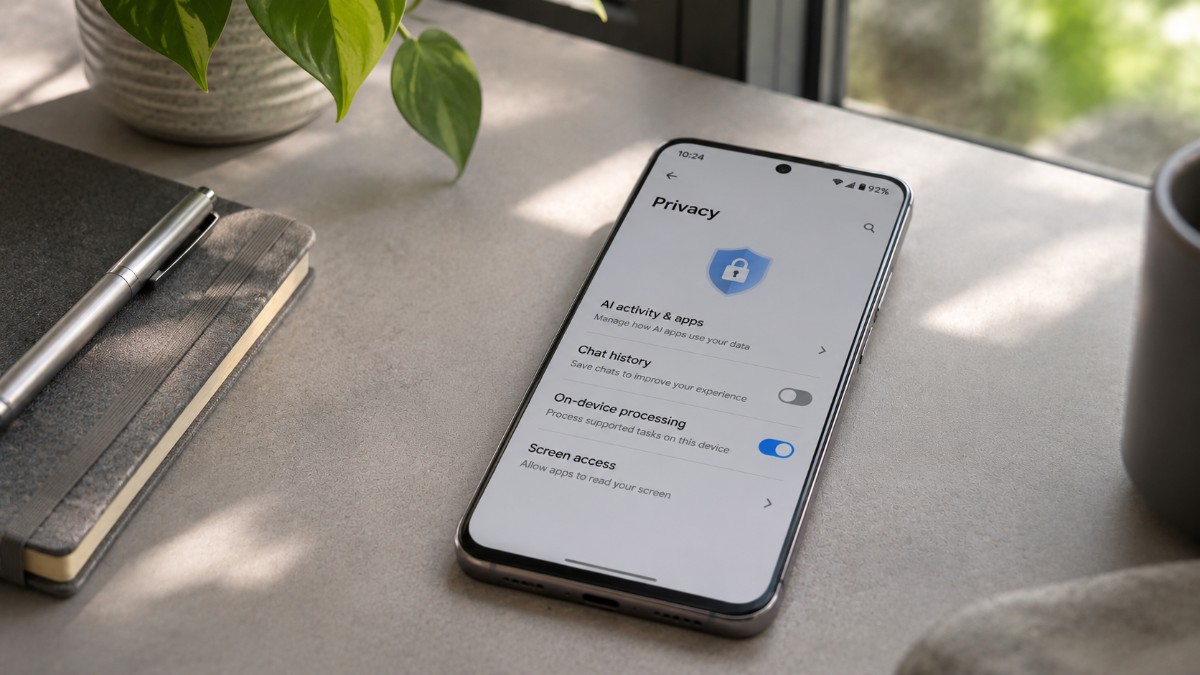
Google wants Gemini Intelligence reading your screen and acting across your apps. For narrow jobs that stay on your phone, Android’s privacy engineering holds up well. Once an assistant starts pulling context across apps, the gaps show fast.
On November 20, Signal said it’s blocking the AI agents built into mobile operating systems, including Google’s Gemini Intelligence, from capturing its screen. Four days earlier, Google updated its Gemini privacy page to describe chats being kept for around two months even with history off. This piece is built from Google’s documentation, Signal’s post and Android’s developer pages, not from a hands-on privacy test.
TL;DR: Google’s AISeal vault and certified pKVM hypervisor give Android strong hardware isolation for stored data. But agents don’t run inside that vault yet, Signal says apps lack a documented opt-out from screen-reading assistants, and Gemini is extending history-off chat retention to around two months. Smarter Android works without giving up privacy on narrow tasks. For agents that act across apps, much of the burden still sits with you.
What Google has built to protect Android AI data
Start with the credit. On October 7, Google introduced AISeal, an enclave built on the Android Virtualization Framework and the pKVM hypervisor. It’s meant to keep personal context from your emails, messages and calendar events in a hardware-isolated vault. Google says that data should stay protected even if the main operating system is fully compromised.
The hypervisor underneath has a real record. Google’s August 2025 post says pKVM reached SESIP Level 5 after evaluation by the DEKRA certification lab, and calls it the first software security system designed for large-scale consumer-electronics deployment to meet that bar. The certification covers pKVM, not every component of Android or every AI app running on it.
Here’s the catch, and it’s in Google’s own post. Hardware-isolated personal-context storage is the current milestone. Google describes AI agents as part of the architecture, but moving model execution and system-level agents into the protected virtual machine sits in its “Horizon” roadmap, alongside AICore integration. In other words, Google has laid the secure foundation but hasn’t yet shown the full AI processing loop running inside it. That’s my reading, but it follows from Google’s wording.
LayerWhat Google saysWhat’s still openOn-device modelsGemini Intelligence uses on-device AI modelsNot every request is guaranteed to stay localAISeal vaultHardware-isolated storage for personal contextIn-vault inference and agents are planned, not deliveredpKVM hypervisorSESIP Level 5 certified, per Google’s August 2025 postThe certification covers pKVM, not all of AndroidWork profilesAndroid 17 blocks AI automation inside work profilesCovers managed work profiles, not your personal appsGemini history settingYou can turn history offChats are still kept, for around two months as the change rolls out What happens when an AI assistant reads your screen?
Signal is the cleanest test case, because its whole promise is that nobody but you and your contact can read your messages. In its November 20 post, Meredith Whittaker explains the problem. OS-level assistants, including Google’s Gemini Intelligence and Apple’s Siri AI, scan what’s on screen to answer questions and carry out tasks. Once Signal content is captured, it sits in whatever database the agent uses, outside Signal’s control. Signal calls that an existential threat.
Signal’s Android fix is narrow on purpose. The protection activates on Android versions where Signal can detect an AI assistant trying to read the screen, and it then turns on Screen security automatically. Signal’s support page says this needs Signal 8.35.1 or later and lists Google Gemini as an example of a built-in Android assistant. If you turn it off from the prompt, Signal switches it back on after 90 days.
Signal’s upfront that it’s incomplete. It can’t cover every Android device, and blocking screen capture doesn’t stop an agent from reading content already stored on the phone. Encryption protects a message in transit. An assistant sitting above the app sees the same screen you do. That’s a design question, and no chip fixes it.
The protections work at different layers, which is easy to miss:
TechnologyWhat it protectsApp sandboxing and encryptionData from unauthorized access by other apps and from interceptionAISeal and pKVMSensitive AI context stored inside a hardware-isolated environmentSignal’s Screen securitySignal’s own screen from being read by an AI assistant Signal can detect
AISeal doesn’t automatically protect everything an assistant sees on your screen. That’s a different layer.
How long does Google keep your Gemini chats?
Days before Signal’s post, Google changed something that affects far more people. Google’s Privacy Hub now describes chats being kept for around two months even with history off or in a Temporary Chat. The earlier figure was 72 hours, so the window grows roughly twentyfold. TechCrunch reports the change is rolling out globally in the Gemini app over the coming weeks, and neither report gives an exact date, so you may not see it everywhere yet. Google lists responding to you, processing feedback and protecting its services as the reasons. The same page says reviewed chats are kept for up to three years, and that deleting your history doesn’t remove them.
A Google spokesperson separately told TechCrunch that the longer window is for detecting and investigating abuse, and that the data isn’t used for model training or product improvement. Retention and training are different things. Still, turning history off doesn’t mean a conversation disappears.
For anything that uses screen automation, the Privacy Hub adds that screenshots can be reviewed by trained reviewers if your history setting is on. Google’s older activity help page still lists the 72-hour figure, so its own pages don’t agree yet. Google also says it’s splitting the history setting from the AI training setting, so the labels may keep shifting.
I think this matters more to most people than any vault. A hardware enclave protects you from a rare, sophisticated attack. A retention window affects everyone who turned history off to keep their chats short-lived.
Why IT admins get stronger AI controls than you
This was the part I found most telling. Android 17’s enterprise documentation describes a framework that lets AI agents automate apps while preventing that automation inside work profiles. On fully managed devices, and on the personal side of company-owned devices that allow personal use, administrators can turn AI automation off entirely.

A separate control covers App Functions, the pipeline that lets authorized assistants read device-level data. Admins can disable it globally, and the page says no work-profile data is returned.
Google can build a hard off switch when a company asks for one. Signal’s request is simpler: an easy, documented way for apps to opt out of AI access and processing, plus documentation of how these agents handle app data. Signal says it’s cautiously optimistic that Google and Apple are engaging. But in its post, it’s still asking. I’d like to see the work-profile approach reach consumer apps before calling this solved.
When on-device AI quietly uses the cloud
Here’s a concrete example from Google’s developer docs. Firebase’s hybrid AI setup for Android apps has a mode called PREFER_ON_DEVICE. The app tries the on-device model first, but only if it’s available and supports the request type. If not, it logs an error on the device and falls back to a cloud model the developer chose.
Each response also carries an inferenceSource value, ON_DEVICE or IN_CLOUD. That’s a developer-side property, and the page says nothing about telling the person using the app. To be fair, this is a toolkit for third-party apps, not a description of how Gemini Intelligence itself works. But it shows why an “on-device AI” label can’t tell you where a specific request ran. When an app advertises private AI, I’d ask what it does when the local model can’t cope.
Developers do have a stricter option. In ONLY_ON_DEVICE mode, if the local model isn’t available or doesn’t support the request, the SDK throws an exception instead of switching to the cloud. That lets a developer put privacy ahead of finishing the task. The docs don’t say users are told which mode an app picked, so you’d have to ask the developer.

Google’s cloud answer is Private AI Compute, which aims to give cloud requests the same privacy guarantees as local-only ones. NCC Group published a public review in November 2025 after 100 person-days of work. I haven’t gone through the full report, so I’m not leaning on its conclusions. Signal’s post also says confidential computing approaches aren’t a complete solution, because they leave the power to set the extent of privacy guarantees with the OS providers.
The weakest control is usually you
Every safeguard above assumes someone’s paying attention. My own experience with an agent says that’s the shaky part. In my test of Chrome’s Gemini auto browse, I kept checking the tab at first, and by day four I only looked when a confirmation prompt appeared. It also picked a hotel with a resort fee buried in the fine print, and I missed it while skimming the summary. That was Chrome, not Android, and a booking, not a privacy decision. The habit is the same, though: you approve out of momentum.
I’d trust a setting over a prompt. A permission you set once is easier to get right than a confirmation you click through fifty times.
What you can change on Android today
Quite a bit, though you have to go looking. Google’s Magic Cue page for Pixel lets you choose whether it uses recent screen activity and foundational data like your Google Account info. You can also exclude a specific app by turning off Proactive Assistance under that app’s Screen Access settings. That setting only keeps the app out of Magic Cue. It isn’t a universal opt-out from other AI assistants. Here’s what I’d do:
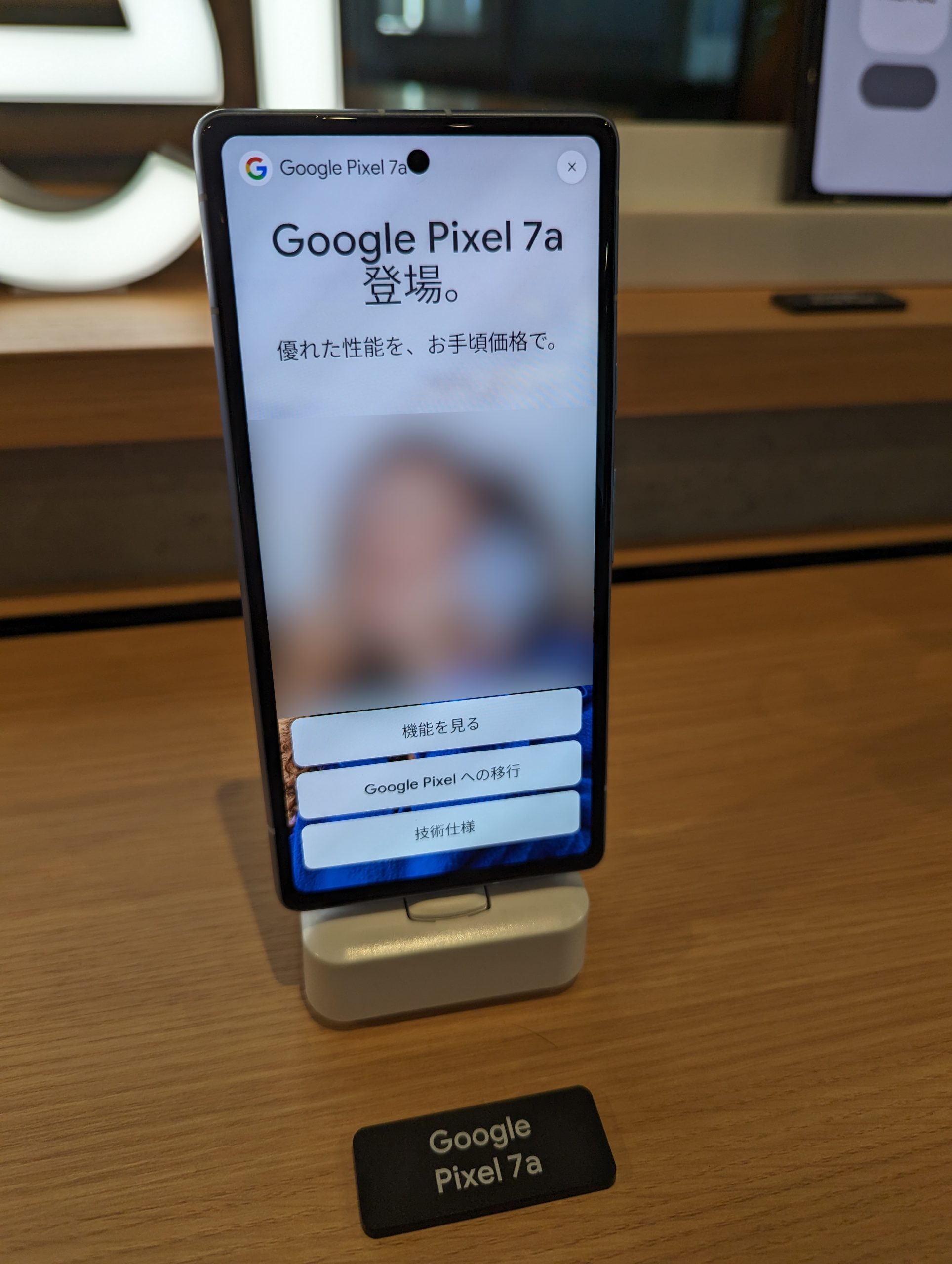 If you’d rather limit what Google keeps, turn off Gemini history, knowing chats are still kept for around two months under Google’s new policy.On a Pixel, open Magic Cue settings and decide which sources it can use.On a Pixel, open an app’s Screen Access settings and turn off Proactive Assistance if you don’t want its information used for Magic Cue suggestions.If you use Signal, update to 8.35.1 or later and leave Screen security on.Try any agent feature on a low-stakes task first, and read the plan before you approve it.
Our breakdown of which Pixel phones qualify for Gemini Intelligence covers who gets these features.
Can Google make Android smarter without compromising privacy?
For narrow tasks that stay on the phone, I think yes, and the engineering behind it is credible. For agents that read your screen and act across apps, Google has the pieces but not the whole picture. The vault doesn’t host agents yet, consumer apps still lack a documented opt-out according to Signal, and the retention window for your chats is getting longer.
“Compromise” isn’t all-or-nothing here. The better question is who carries the burden, and right now it’s you. I’d change my view if AISeal starts running agents inside the vault, if Google ships a documented opt-out for app developers, and if Gemini tells you plainly where a request was processed. Until then, use the features that work locally, and treat anything that reads your screen as a decision you make each time.