We write a lot about AI here at XDA. It’s always fun to see what people are cooking up with their LLMs, compare them, and see which one wins when asked to build a tool or piece of software.
It’s easy to see why; LLMs have gotten very quick at coding up apps. The quality of the code itself is up for debate, but in terms of speed, nothing beats one. But what about the rest of us, who want to see what AI can do, but without the desire to make apps or websites with them? Well, I’ve been checking out Google Gemini lately, and I think it’s a real winner.
Google Gemini works flawlessly if you’re integrated within Google’s ecosystem
It makes things a lot easier to work with

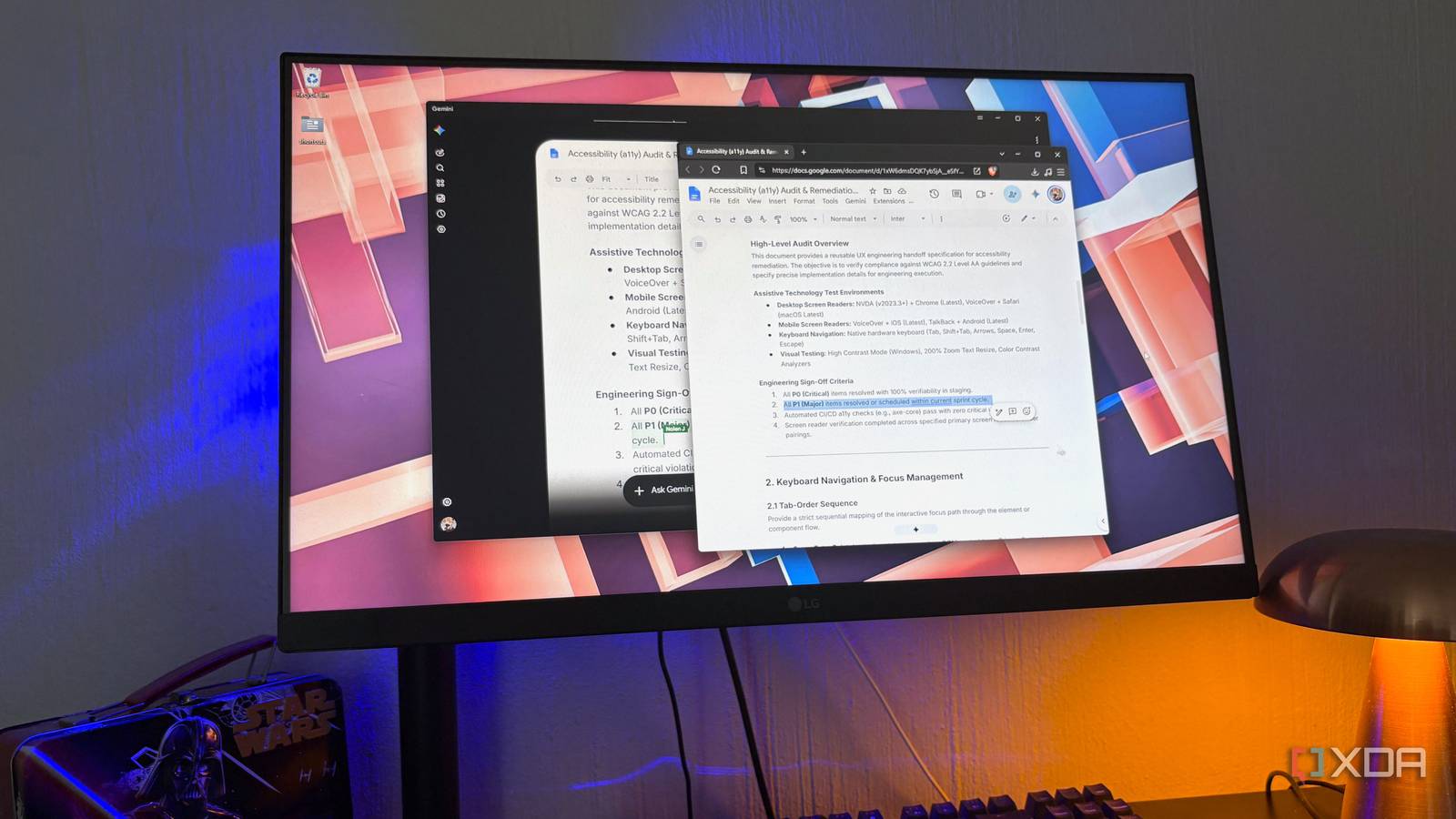
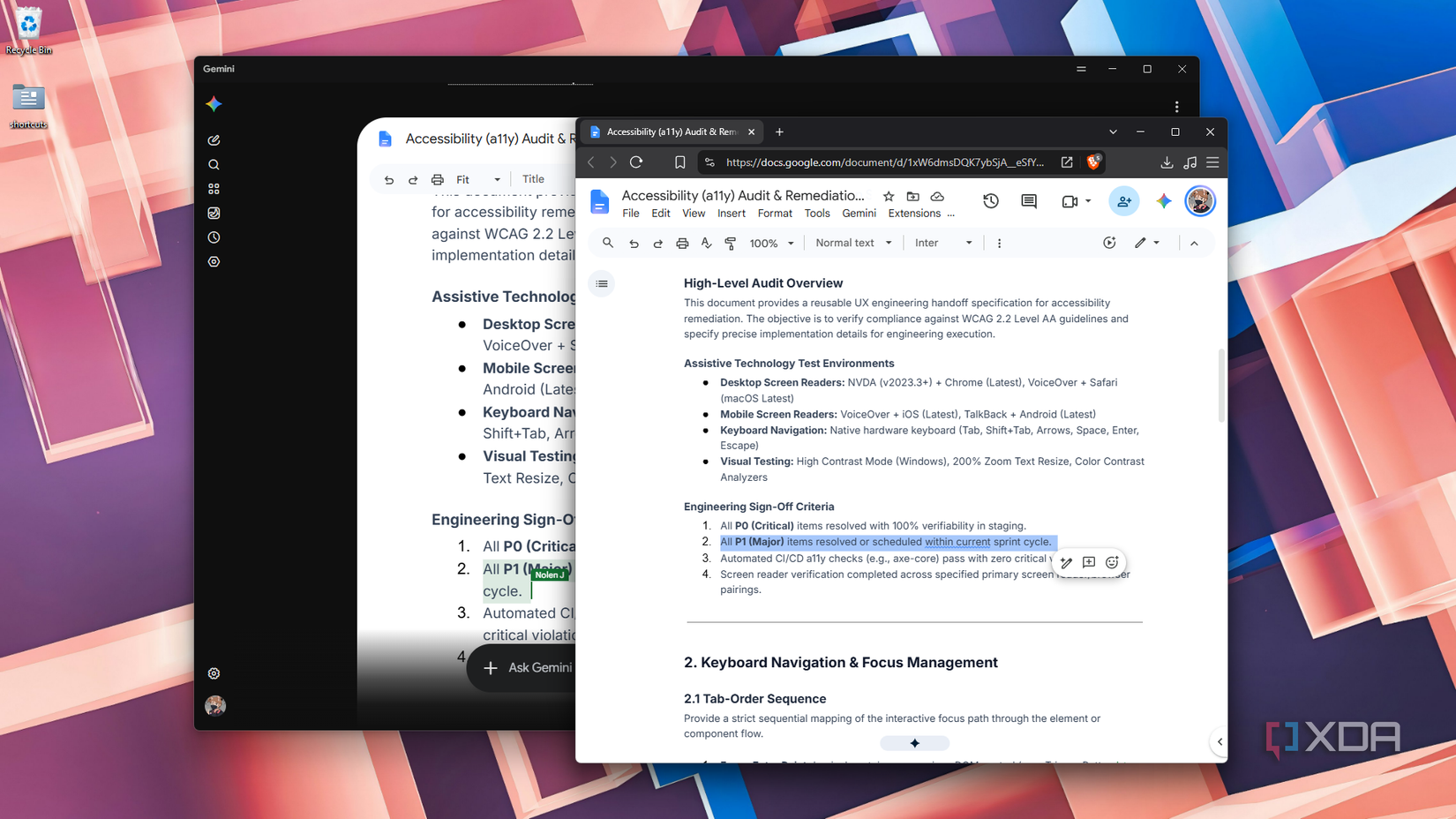
I’m pretty much all-in with Google’s ecosystem. I manage my emails with Gmail, I do my work in Google Docs, and I take notes using the Keep app. So, whenever I need my AI assistant to dig through my stuff, Gemini is the obvious fit.
In fact, I’ve gotten more use out of doing the reverse action. Whenever I’m working something out in a Gemini chat, and I want to remember it for later, I can ask it to note down a summary in Google Docs. It’ll connect to it, automatically create the notes, and let me know when it’s done. I can even ask it to set reminders in Calendar for stuff I got to do later.

Related
I’ve spent over $3,000 on ChatGPT, Claude, and Gemini, and only one was worth the money
$3,000 later, I’ve finally learned my lesson
Google Gemini feels very powerful for web-based research
It’s not a huge surprise, given what made it
Out of all the models I’ve used, I find Google Gemini to be one of the best for performing web-based research. That shouldn’t be too shocking, given how this is the flagship AI for the company with the biggest search engine on the planet. And that’s not even taking into account how AI Overviews are also powered by Google’s language models and Search systems.
Whenever I want to research a topic or compare options, I find myself reaching for Gemini. Of course, Gemini is still an LLM at the end of the day, so I have to be careful with the results and double-check them for any inaccuracies or hallucinations. However, at the very least, they give me a solid foundation from which I can do my own research.

Related
I use ChatGPT, Claude, Perplexity, and Gemini daily — here’s the only one worth paying for
One stands above the rest.
The premium plans give you some additional perks for other Google products
You don’t just get access to more AI
I think this is definitely one of the strongest points for using Google Gemini if you’re not big on coding. Sure, grabbing a premium plan does unlock more coding capabilities, much like with its rival models. However, even if you never touch the coding side of LLM generation, the premium plans can still be very enticing.
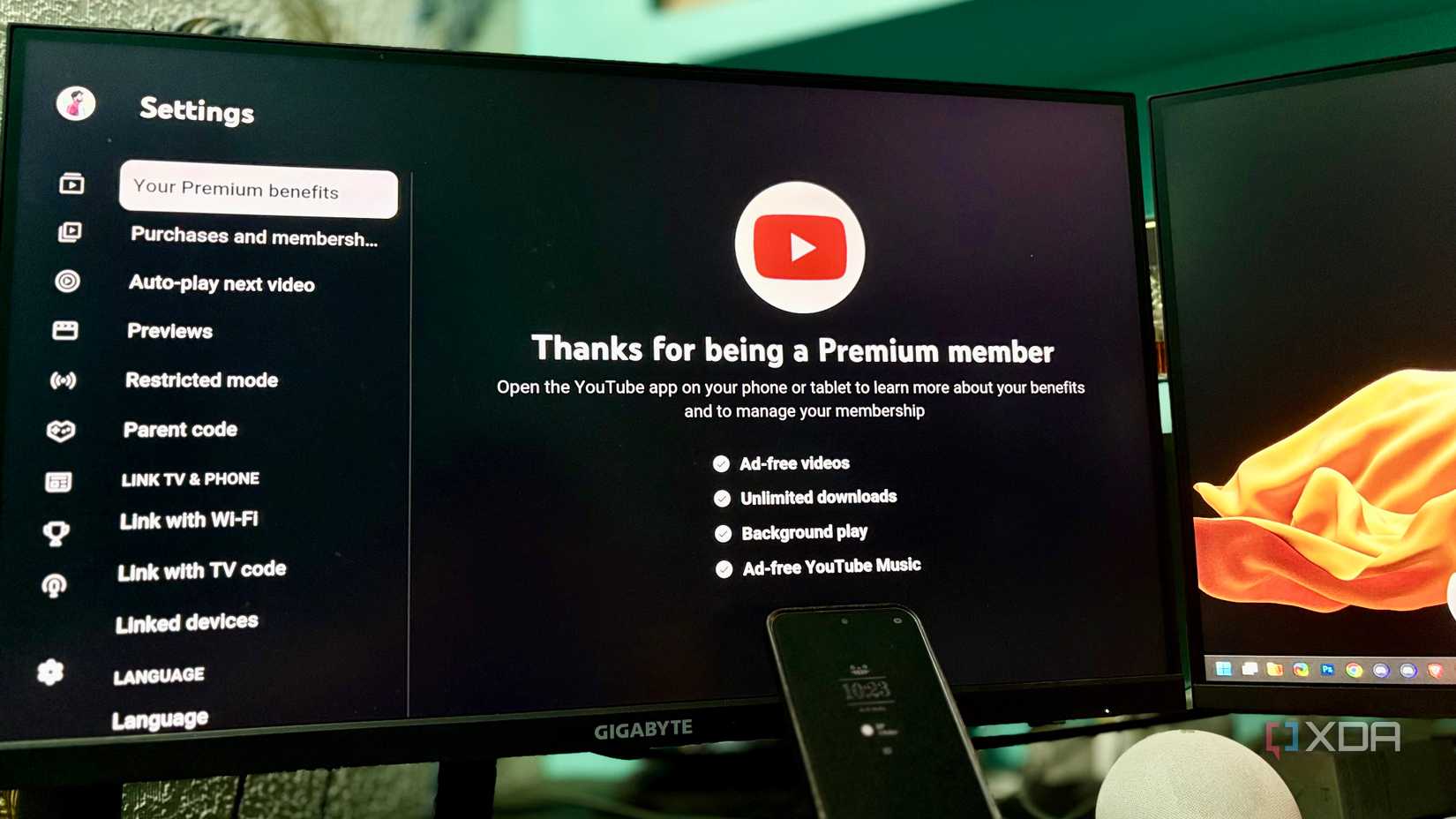
For one, if you grab the Google AI Pro plan (currently at $19.99/month), you get YouTube Premium Lite for your account, which removes ads on most videos, though ads may still appear on some content, including music videos and Shorts. You also get Google Health Premium and the Google Home Premium Standard plan thrown in, plus 5TB of data across Gmail, Drive, and Photos. And, of course, access to the Gemini Neon model to play with.
So, if you’re already paying Google monthly for something, there’s a good chance you can move to a Google AI plan, keep the same benefits, and get some additional goodies for a monthly fee. Of course, it’s not a silver bullet; if you pay for YouTube Premium, the Google AI Pro’s Premium Lite plan won’t be ideal. However, if you’re already paying for the services the AI plan offers you, it’s a great way to expand.
Related
I paid for Gemini, Claude, and Copilot for a month, but only one of them is worth the subscription
The AI subscription winner is not who you think.
It’s really good at just exploring the world around you
Very good for satisfying your curiosity
Okay, I admit it. Sometimes I want a bit more context on what I’m looking at, and while I can Google it, it can be a lot easier to just bring up Gemini, take a photo of the object in question, then ask what it is. Gemini has done an amazing job answering my queries, from identifying bugs to translating things and giving me additional context when I ask more questions about what I’m seeing.
Also, because Google can tap into the power of Maps, I’ve found it really good at finding places near me and directing me there via public transport. In fact, because I have memory turned on, I can just ask it, “Hey, where’s something I’d enjoy near me?” and it’ll sniff out a cool place depending on my preferences and calculate the quickest way there.

Related
I thought Google Tasks was basic, then I paired it with Gemini
Supercharged Google Tasks with AI
Google Gemini is a great option if coding isn’t one of your needs
Is Google Gemini a good coder? I can’t say for sure; I haven’t put it through its coding paces before. However, as someone who uses LLMs to research topics, explore the world around them, and integrate with my productivity suite, Google Gemini fits the bill the best.